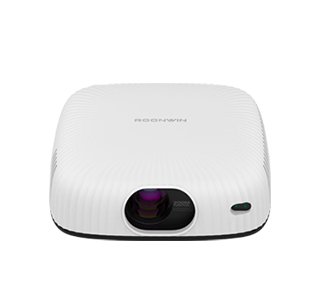
Color deviation is a common problem in projector use, mainly manifested as yellowish, bluish or faded pictures, which seriously affects viewing and gaming experience. This problem is caused by multiple factors such as parameter setting errors, ambient light interference, lens aging and placement deviation. Most color deviation problems can be solved by manual debugging, without professional maintenance or part replacement.
First, users can correct color deviation through the projector’s built-in picture parameter settings. Enter the system picture setting interface, and adjust core parameters such as brightness, contrast, saturation, white balance and color temperature. Excessively high color temperature will lead to bluish pictures, while low color temperature will cause yellowish images, and restoring the default standard mode is the simplest debugging method. For users with higher requirements, manually fine-tuning the red, green and blue three-primary color values can precisely fix color cast problems.
Eliminating external environmental interference is also a key step to improve color deviation. Strong ambient light is the main cause of faded and distorted projector colors. It is necessary to pull down curtains or turn off indoor strong light sources during use to keep the viewing environment dim and uniform. In addition, uneven projection walls will also cause local color deviation. Using a professional anti-light screen can effectively improve color restoration and enhance picture layering and saturation.
If parameter adjustment and environment optimization are ineffective, check the device’s hardware status. Long-term use will cause lens dust accumulation and light source aging, resulting in insufficient color rendering. Regularly cleaning the projector lens and heat dissipation holes can maintain stable picture color. For old projectors with serious light source aging, replacing the bulb or light source module can fundamentally solve persistent color deviation and restore original color performance.
Read recommendations:
HW45 Home Cinema - HW Series Projector
daylight Projector solution
Short Throw for Small Room 350 Projector





















 Reviewed:



