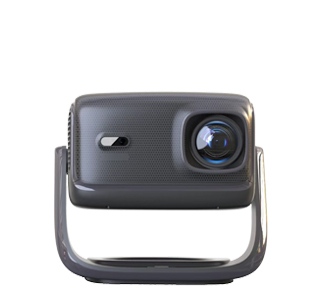
Bluetooth connection is another important wireless connectivity option for projectors, primarily used for connecting audio devices such as Bluetooth speakers, headphones, or soundbars, as well as some input devices like Bluetooth keyboards and mice. Unlike WiFi screen mirroring, which focuses on audio-video transmission, Bluetooth connection of projectors is mostly for audio output enhancement, since most projectors' built-in speakers have limited volume and sound quality, and connecting external Bluetooth audio devices can significantly improve the audio experience.
The steps to connect a projector via Bluetooth are simple and user-friendly. First, enable the Bluetooth function on the projector, usually found in the "Settings" menu under the "Bluetooth" option, set it to "Discoverable" mode. Then, turn on the Bluetooth of the target audio device and search for nearby Bluetooth devices. When the projector's model name appears in the search results, select it to establish the connection. After successful pairing, the audio output of the projector will be automatically switched to the connected Bluetooth device, providing clearer and more immersive sound effects.
There are a few points to pay attention to when using Bluetooth connection. First, the effective Bluetooth transmission distance is generally within 10 meters, so it is necessary to ensure that the connected device is within this range to avoid signal interruption. Second, Bluetooth transmission is susceptible to interference from other wireless devices (such as WiFi routers, microwave ovens, etc.), which may cause audio stutters. In such cases, you can try adjusting the position of the device or turning off other interfering devices. Additionally, some older projectors may only support specific Bluetooth versions, so it is important to check the compatibility between the projector and the connected device in advance to ensure smooth connection and normal use.
It should also be noted that Bluetooth is not suitable for high-definition video transmission due to its limited bandwidth. Therefore, it is usually only used for audio transmission or simple data interaction, and cannot replace WiFi screen mirroring for full-screen video projection. When using the projector, you can combine Bluetooth and WiFi functions according to needs: use WiFi for screen mirroring and Bluetooth for audio output, achieving a perfect audio-visual experience.
Read recommendations:
HN30A Portable - HN Series Projector
5G Wi-Fi Bluetooth 5.0 1080P Projector with Auto Keystone Correction
Projectors with Imperceptible Latency





















 Reviewed:



