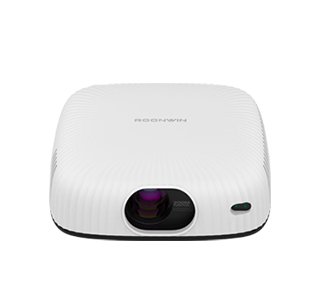
The Ethernet port on a projector is a network interface that enables wired connection to a local area network (LAN) or the internet using an Ethernet cable. This interface, typically a standard RJ45 port, allows projectors to integrate into networked environments, providing a range of advanced functionalities beyond basic video display. Unlike VGA or HDMI, which are primarily for direct device-to-projector connections, the Ethernet port facilitates centralized management and control of multiple projectors, making it particularly valuable in large-scale settings such as schools, universities, and corporate campuses.
One of the primary advantages of an Ethernet-connected projector is remote management. Network administrators can monitor projector status, adjust settings, update firmware, and even turn the projector on or off remotely using dedicated management software. This eliminates the need for on-site maintenance for routine tasks, saving time and reducing operational costs. For example, in a school with dozens of projectors across multiple classrooms, IT staff can ensure all devices are running the latest firmware and troubleshoot issues without visiting each room individually.
Ethernet connectivity also enables content sharing across the network. Users can stream video, presentations, or other media files directly from network servers or cloud storage to the projector, eliminating the need to connect a physical device like a laptop or USB drive. This feature enhances collaboration in meeting rooms, where multiple users can access and display content without passing around a single device. Additionally, some network-enabled projectors support IP-based streaming, allowing for live broadcasts or video conferencing integration, further expanding their utility in modern work and educational environments.
While Ethernet ports offer significant benefits, they require a wired network infrastructure, which may not be available or convenient in all settings. Running Ethernet cables can be costly and time-consuming in retrofitted buildings, and the wired connection limits the projector’s placement to areas near network outlets. However, for fixed installations where reliability and centralized control are priorities, the Ethernet port remains a crucial feature, complementing wireless connection options in many modern projectors.
Read recommendations:
HN30B Portable - HN Series Projector
Home theater Projector Factory
High - Definition Office Projectors





















 Reviewed:



