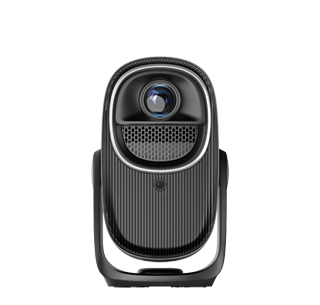
Most Android smartphones support one-click fast projection to projectors without downloading any third-party software, which is an official built-in function adapted by major mobile phone brands, realizing zero-cost and convenient screen projection. Different Android brands have different names for the built-in projection function, such as “Wireless Projection”, “Smart View”, “Screen Mirroring” and “Multi-screen Interaction”, but their core principles are consistent, all adopting the Miracast wireless transmission protocol, which can realize point-to-point high-speed connection between mobile phones and projectors without intermediate software conversion. This built-in function is pre-installed in the mobile phone system, no installation, no registration, no advertising, and has faster connection speed and more stable picture quality than third-party software.
The operation steps of software-free projection are simple and universal, suitable for all mainstream Android mobile phones and household projectors. First, connect the Android phone and the projector to the same WiFi network, either 2.4G or 5G dual-band network, and 5G network is recommended for higher definition. Then pull down the mobile phone’s control center, find the wireless projection function icon, click to scan nearby projection devices, and select the corresponding projector model in the device list. After 2 to 3 seconds of automatic matching and connection, the mobile phone screen content will be synchronized to the projector in real time, realizing full-screen mirror projection. For some mobile phones with hidden projection functions, users can search for “wireless projection” directly in the system settings search bar to quickly open the function entry.
There are a few key notes to ensure stable software-free projection. First, confirm that the projector’s wireless casting function is turned on and in the waiting connection state, and do not turn on device shielding. Second, avoid too many network devices occupying bandwidth during connection, to prevent connection failure or screen stuttering. In addition, the built-in projection function of Android mobile phones supports high-definition lossless transmission, which can perfectly adapt to video playback, picture browsing, document display and daily screen projection scenarios. Only a very few old low-end Android models lack built-in projection functions due to system hardware limitations, and such individual devices need to use official lightweight auxiliary tools. In short, mainstream Android phones can completely realize fast and stable projection without third-party software.
Read recommendations:
HW30 Home Cinema - HW Series Projector
customization sunset Projector
auto-focus Projector custom





















 Reviewed:



