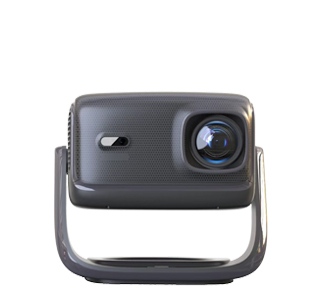
Projectors can completely replace traditional computer monitors for daily use, office work and entertainment, and they have unique advantages in screen size and visual experience. Unlike ordinary monitors with fixed small sizes, projectors can project ultra-large screens of 50 to 300 inches, bringing a stronger immersive effect for video watching, game playing and multi-task office work. With the continuous upgrading of projector technology, the resolution, color accuracy and response speed of modern projectors have been greatly improved, basically meeting daily display needs.
The connection method of using a projector as a monitor is simple and diverse. Users can connect the projector and computer through HDMI, Type-C, VGA and other data cables to realize synchronous screen projection and real-time display of computer content. Most smart projectors also support wireless screen projection technology. Computers, mobile phones and tablets can be wirelessly connected to the projector under the same network, realizing cable-free display, which is more convenient for home and mobile office scenarios. For desktop computers and laptops, projectors can be used as the main display screen or extended display screen to improve work efficiency.
Nevertheless, projectors have certain limitations compared with professional monitors. Ordinary office and home projectors have a longer response time, which is not suitable for professional competitive games with high frame rate and high refresh requirements. In addition, projectors are affected by ambient light; strong daylight or indoor light will reduce screen clarity and contrast, while monitors can maintain stable display effects in various light environments. For professional design, image editing and precision office work, high-color-gamut monitors are more suitable, but projectors are completely competent for daily office, video entertainment and ordinary game scenarios.
Read recommendations:
HN30A Portable - HN Series Projector
Projectors with USB Interface
3d Projector full 3d viewing experience





















 Reviewed:



