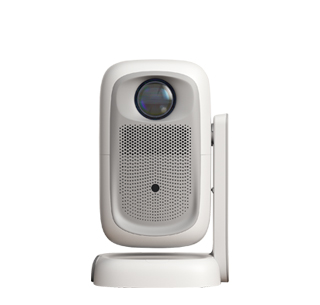
Yes, a projector can be connected to a computer, and there are multiple ways to do so, depending on the projector's and computer's features and available ports. Connecting a projector to a computer expands the display capabilities, allowing you to show content on a larger screen, which is ideal for presentations, watching movies, gaming, and more.
1. Wired Connections
The most basic and widely used method is through wired connections. HDMI is the preferred choice for its ability to transmit high - quality video and audio in one cable. If your computer has an HDMI port and the projector has an HDMI input, simply use an HDMI cable to connect the two. For computers with VGA or DisplayPort outputs and projectors with HDMI inputs, you can use VGA - to - HDMI or DisplayPort - to - HDMI adapters. Other less common wired connections include using DVI cables, but these usually require separate audio connections as DVI only transmits video.
2. Wireless Connections
In recent years, wireless connections have become increasingly popular. Technologies like Miracast for Windows devices and AirPlay for Apple devices allow for wireless screen mirroring between a computer and a projector. Many modern projectors come with built - in support for these wireless standards. To connect wirelessly, make sure both the computer and the projector are connected to the same Wi - Fi network (for some devices), and then enable the wireless display or screen - mirroring feature on both devices. There are also wireless HDMI transmitters and receivers available in the market that can create a wireless connection between a computer and a projector, providing more flexibility in setup.
3. USB - Based Connections
Some projectors support USB - based connections. You can connect your computer to the projector via a USB cable, and in some cases, the projector can display the computer's screen or specific content. This method is often used for simple presentations where the projector can read files directly from the computer's storage. However, the functionality may be more limited compared to HDMI or wireless connections, and it usually requires specific software or drivers installed on the computer to work properly.
Read recommendations:
HW40 Home Cinema - HW Series Projector
compact autofocus projector
High-Precision Domestic 2d Projector





















 Reviewed:



