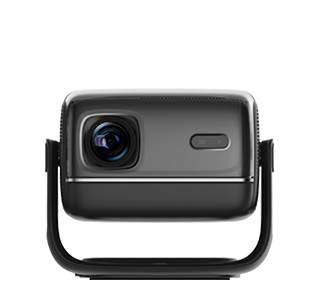
Choosing the right installation position is the foundation of obtaining a clear, comfortable, and high-quality projection image for home projectors, which directly affects viewing experience and equipment service life. The core principle of position selection is to match the projector’s projection ratio with the room space, while avoiding light interference and ensuring installation safety. For most ordinary families, there are two mainstream installation modes: desktop placement and ceiling mounting, each with suitable position ranges.
For desktop placement, the projector is usually placed on a TV cabinet, dedicated projector stand or stable desktop, directly facing the projection screen or blank wall. The horizontal position must be strictly centered with the screen to prevent left-right image deviation. The distance between the projector and the screen is determined by the machine’s projection ratio. Most home projectors have a projection ratio of 2:1 to 5:1, meaning a 100-inch screen requires a projection distance of 2.5 to 3.5 meters. The height should be adjusted to keep the lens level with the center of the screen, which can effectively reduce the need for excessive trapezoidal correction.
Ceiling mounting is suitable for families pursuing a tidy space and fixed viewing effect. The mounting position needs to be reserved directly above the front of the screen, with the horizontal center consistent with the screen. The vertical height should ensure the projected image fully fits the screen without overflowing. It is necessary to avoid installing near air conditioners, chandeliers or windows, to prevent dust accumulation, light reflection and heat dissipation obstruction. In addition, the installation position should reserve power supply and wiring space to keep the home environment neat and orderly.
Read recommendations:
HN30B Portable - HN Series Projector
Projectors with Customizable Screen Sizes
Which is Better, Projector or TV?





















 Reviewed:



